npkill
Extracto
List any node_modules directories in your system, as well as the space they take up. You can then select which ones you want to erase to free up space.. Latest version: 0.8.3, last published: 2 months ago. Start using npkill in your project by running `npm i npkill`. There are no other projects in the npm registry using npkill.
Contenido
npm
0.8.3 • Public • Published
This tool allows you to list any node_modules directories in your system, as well as the space they take up. You can then select which ones you want to erase to free up space. Yay! Clear space: Get rid of old and dusty node_modules cluttering up your machine. Very fast: NPKILL is written in TypeScript, but searches are performed at a low level, improving performance greatly. Easy to use: Say goodbye to lengthy commands. Using npkill is as simple as reading a list of your node_modules, and pressing Del to get rid of them. Could it be any easier? ;) Minified: It barely has any dependencies. You don't really need to install it to use it!
Simply use the following command: Or if for some reason you really want to install it: By default, npkill will scan for node_modules starting at the path where Move between the listed folders with ↓ ↑, and use Space to delete the selected folder.
You can also use j and k to move between the results To exit, Q or Ctrl + c if you're brave. Important! Some applications installed on the system need their node_modules directory to work and deleting them may break them. NPKILL will highlight them by displaying a Warning: In future versions some commands may change If you find any bugs, don't hesitate and open an issue :) If you want to contribute check the CONTRIBUTING.md
We have developed npkill in our free time, because we are passionate about the programming sector.
Tomorrow we would like to dedicate ourselves to this, but first, we have a long way to go.
We will continue to do things anyway, but donations are one of the many ways to support what we do. MIT © Nya García Gallardo and Juan Torres Gómez




Easily find and remove old and heavy node_modules folders
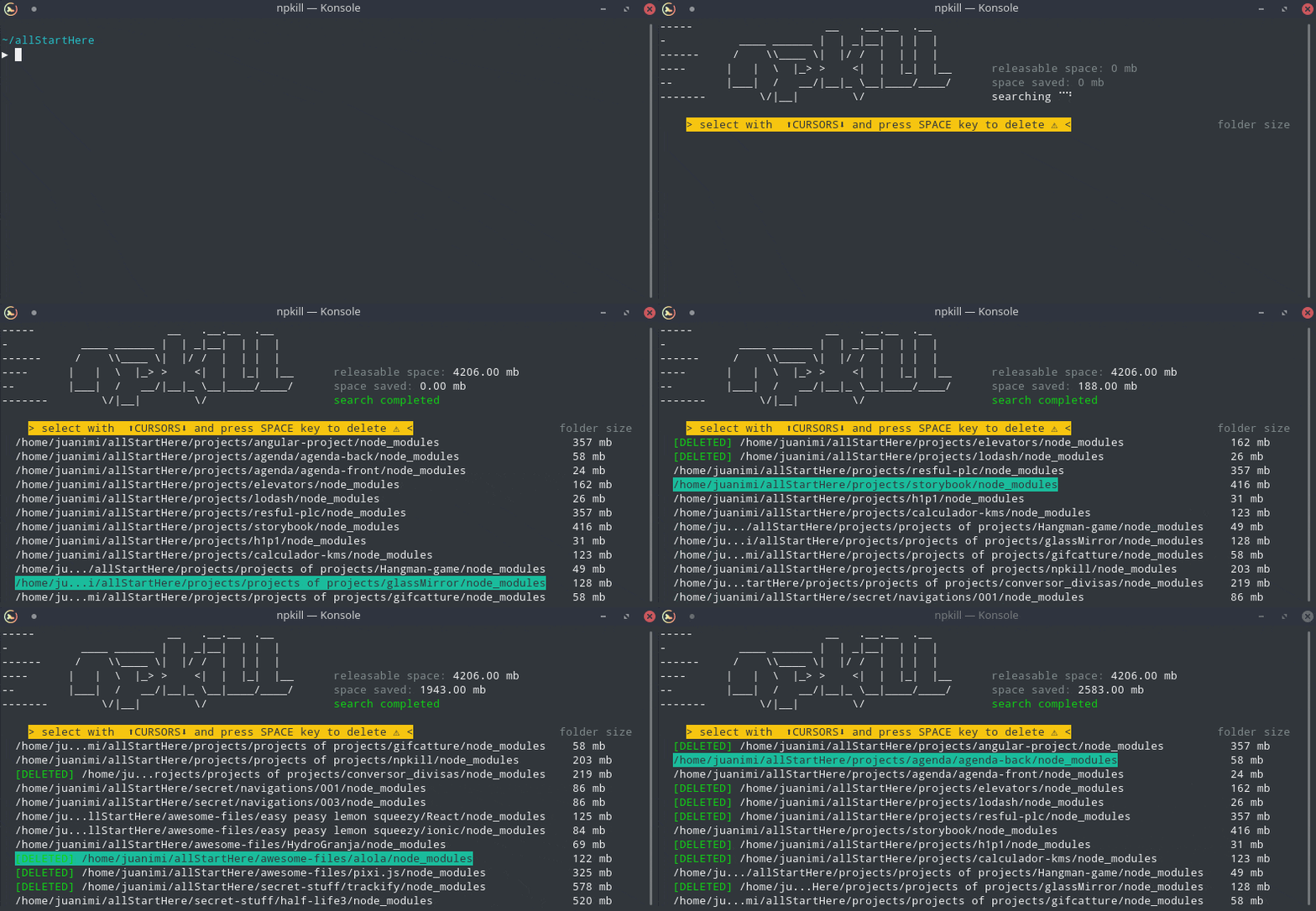
Table of Contents
$ npm i -g npkill
# Unix users may need to run the command with sudo. Go carefully
$ npx npkill
# or just npkill if installed globallynpkill command is executed.
Options
ARGUMENT
DESCRIPTION
-c, --bg-color
Change row highlight color. (Available: blue, cyan, magenta, white, red and yellow)
-d, --directory
Set the directory from which to begin searching. By default, starting-point is .
-D, --delete-all
CURRENTLY DISABLED. Automatically delete all node_modules folders that are found
-e, --show-errors
Show error messages related to the search if any
-E, --exclude
Exclude directories from search (directory list must be inside double quotes "", each directory separated by ',' ) Example: "ignore1, ignore2"
-f, --full
Start searching from the home of the user (example: "/home/user" in linux)
-gb
Show folders in Gigabytes instead of Megabytes.
-h, --help, ?
Show this help page and exit
-nu, --no-check-update
Don't check for updates on startup
-s, --sort
Sort results by: size or path [ beta ]
-t, --target
Specify the name of the directories you want to search (by default, is node_modules)
-v, --version
Show npkill version
Examples
npkill -d ~/projects

# other alternative:
cd ~/projects
npkill
npkill -d '~/more projects' -gb --sort size --target vendor
npkill -d 'projects' --exclude "progress, ignore-this"
# Disabled for security reasons (you can use it in version 0.2.4 at your risk)
npkill -d ~/backups/ --delete-all
# -- First, clone the repository
git clone https://github.com/voidcosmos/npkill.git

# -- Navigate to the dir
cd npkill

# -- Install dependencies
npm install

# -- And run!
npm run start


# -- If you want to run it with some parameter, you will have to add "--" as in the following example:
npm run start -- -f -e
Thanks!!
A huge thank you to our backers
Crypto alternative



Fuente: npm